
Help articles › Kit Instructions
Print / Save as PDFAssembling the KnifeKits.com
Assisted Opener (Model 001) Kit
(with 3-D Black G-10 Scales)
--------------------
Tools recommended:
MaxxDriver T6/T8 Torx
--------------------
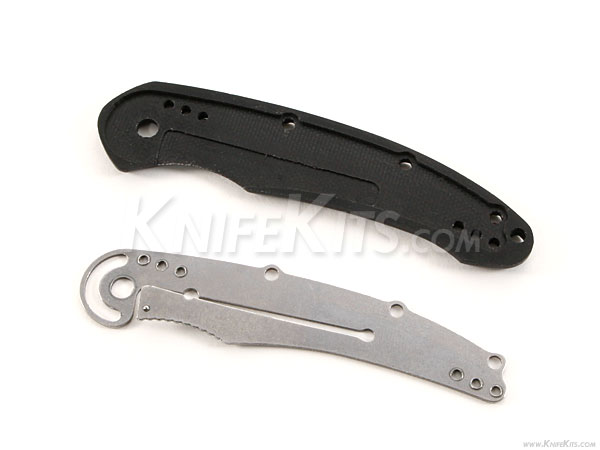
Step #1 – Place stainless steel liner in milled area on right-hand handle scale with lock-bar pointing away from scale, as shown.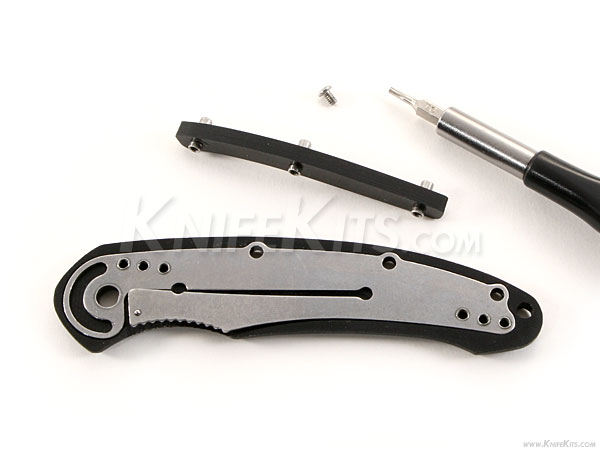
Step #2 – Place threaded handle assembly pins through G-10 backspine.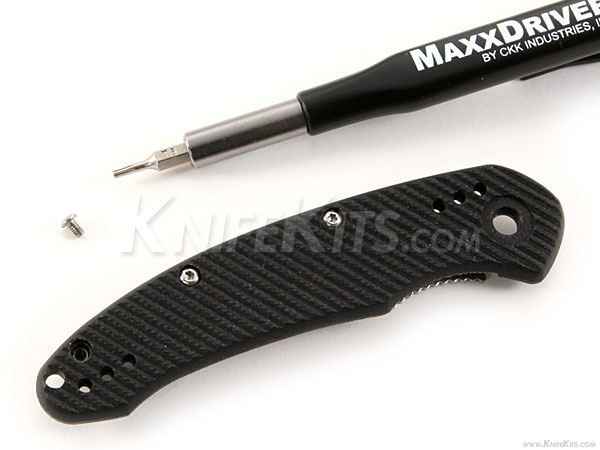
Step #3 - Use (3) small T6 button-head screws to assemble handle scale and liner to backspine.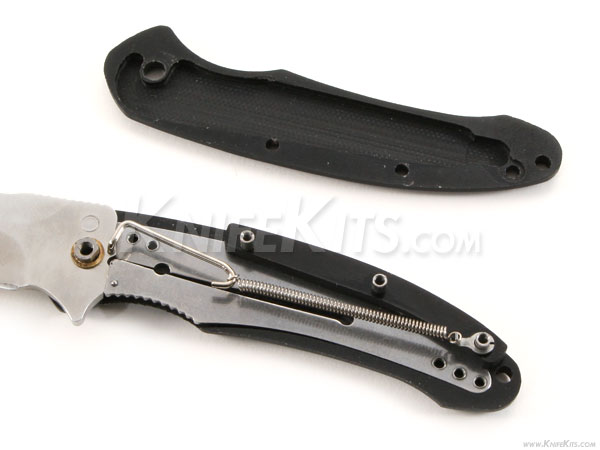
Step #4 – Add fixed side of pivot pin to handle/liner assembly. Then add lower washer, followed by blade. Add upper washer and lock blade in open position (as shown above). Assemble and add 3-piece spring assembly to blade and rear handle pin as seen above.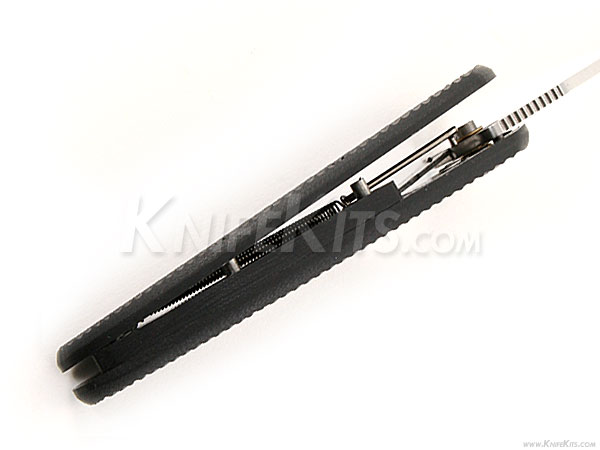
Step #5 – Press fit remaining scale over exposed handle pins. Go slowly, being careful not to over-press or damage your backspine in the process. If needed, add a drop of oil and dry-fit before assembly.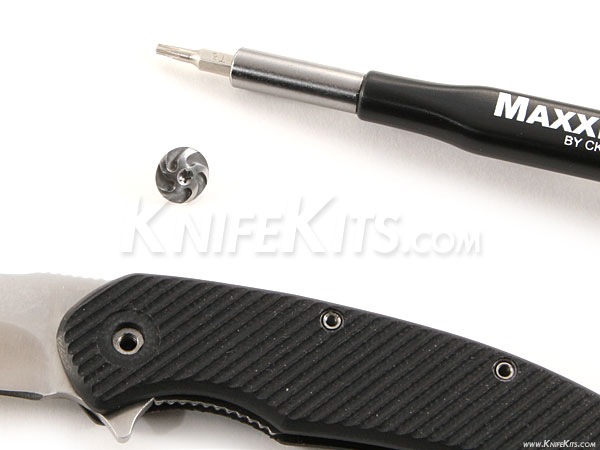
Step #6 – Add pivot pin screw with T8 Torx driver.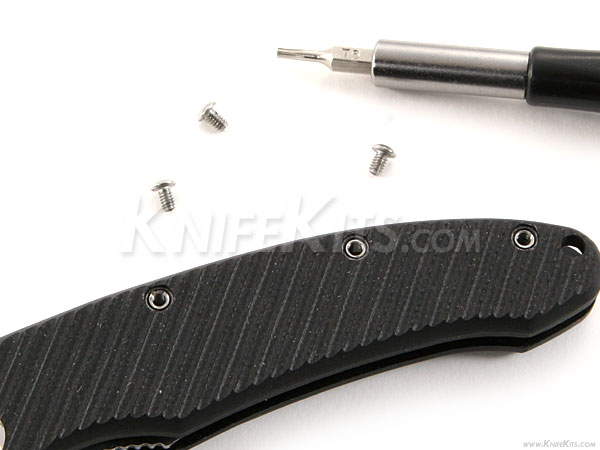
Step #6 – Add remaining handle screws with T6 Torx Driver.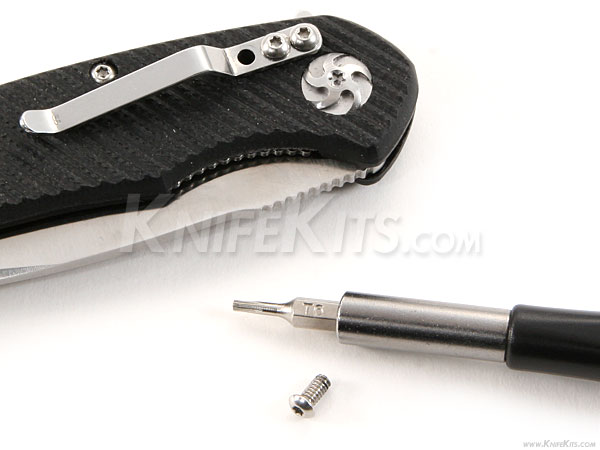
Step #7 – Add pocket clip with (3) long button-head Torx screws.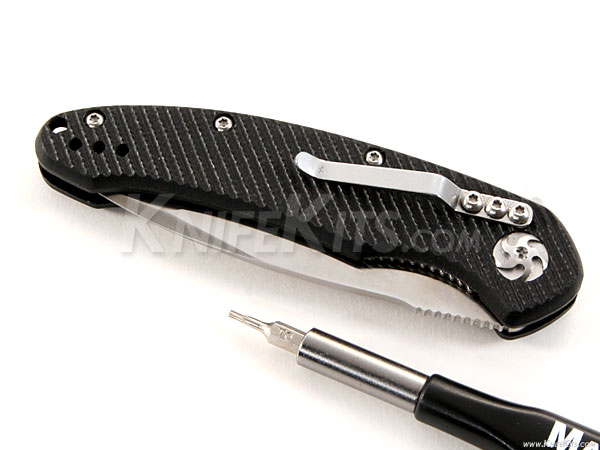
Check opening performance, adjust and oil to suit.
Congratulations!
You’ve now built a beautiful AO-001 Assisted Opener
Still stuck? We reply within 1 business day.
Contact us